

How to Read an Industrial Valve Data Sheet
An industrial valve data sheet summarizes the technical conditions required for valve selection. Before requesting a quotation, engineers and purchasing teams should check whether the valve type, pressure rating, materials and connections match the piping system.
1. Confirm the Valve Type
Start by identifying the valve function and design:
- Ball valve
- Butterfly valve
- Gate valve
- Globe valve
- Check valve
A valve used for isolation may not be suitable for continuous throttling. The data sheet should clearly state the intended service, such as on-off isolation, flow regulation or backflow prevention.
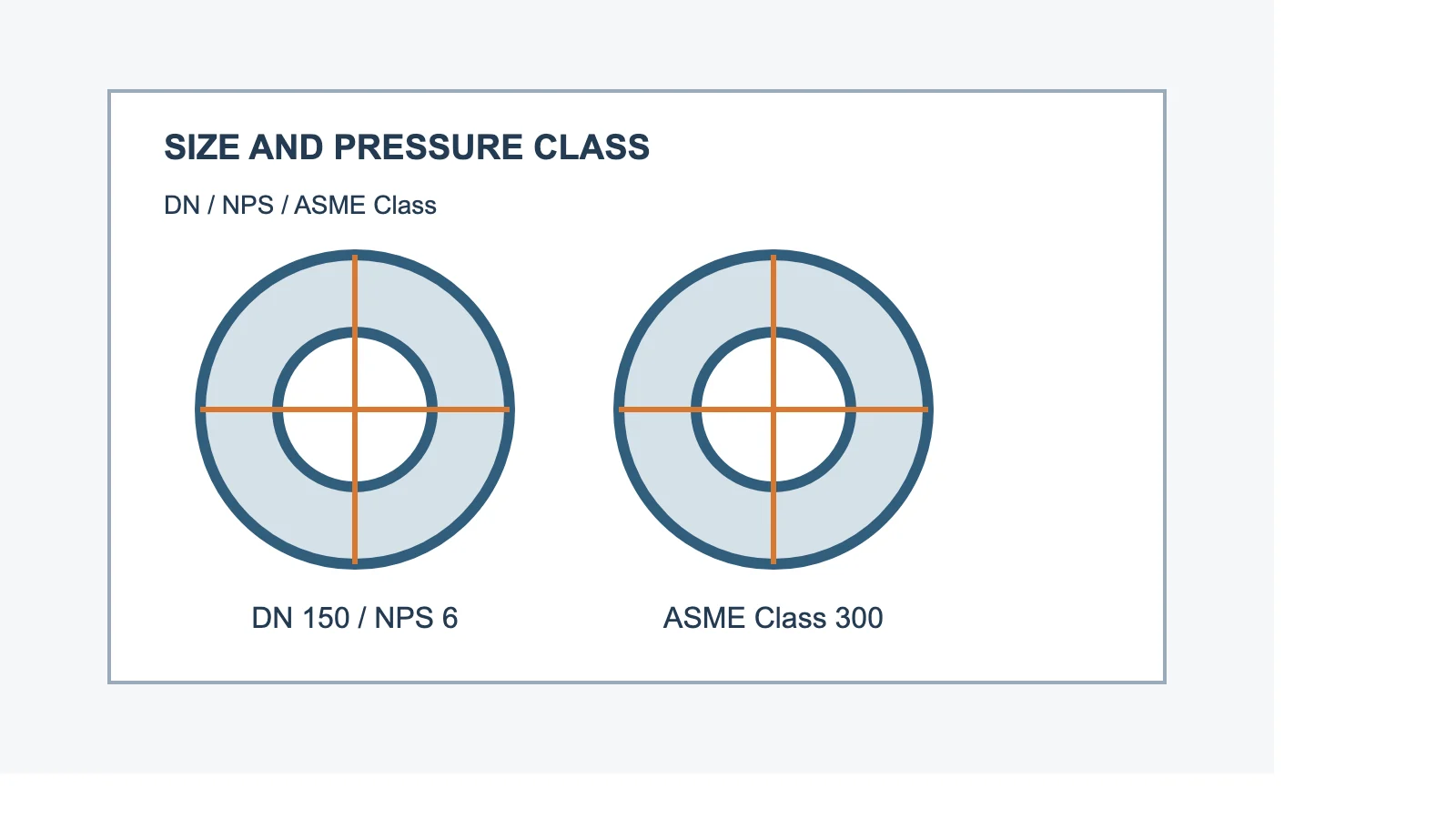
2. Check Size and Pressure Class
The nominal size must match the connected pipe and fittings. Common designations include DN and NPS.
Also check the pressure rating, such as:
- ASME Class 150, 300 or 600
- PN10, PN16 or PN25
The pressure class is not simply the maximum operating pressure. The allowable pressure may change with temperature and material. Always compare the valve rating with the system design conditions.
3. Review the End Connection
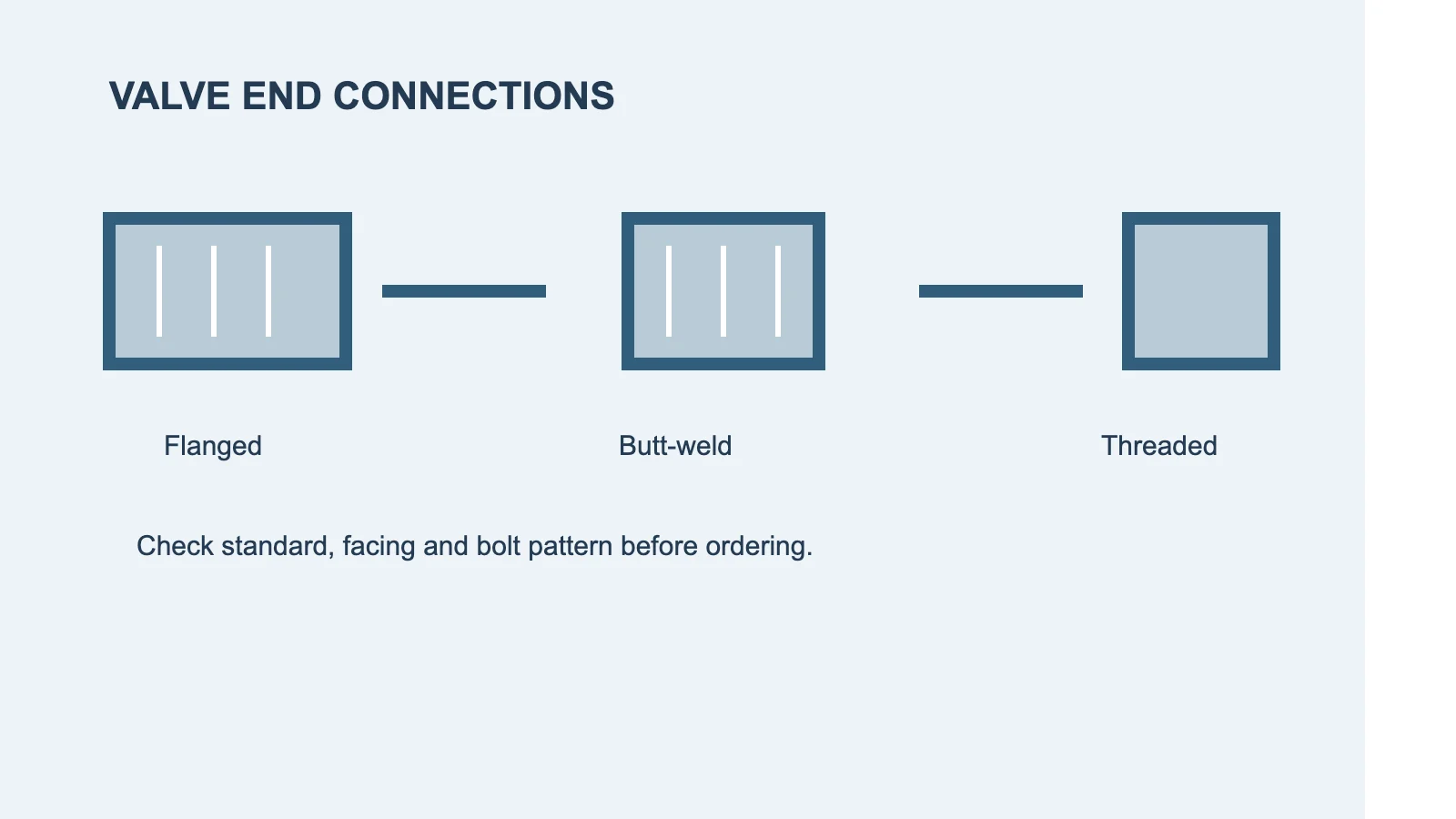
The end connection must match the piping layout and installation method. Typical options include:
- Flanged
- Butt-weld
- Socket-weld
- Threaded
- Wafer or lug type
For flanged valves, confirm the standard, flange facing and drilling pattern. A mismatch in flange dimensions or bolt-hole arrangement can delay installation even when the valve size appears correct.
4. Verify Body and Trim Materials
The body material should be suitable for the fluid, pressure and temperature. Common materials include carbon steel, stainless steel, ductile iron and alloy steel.
The trim specification is equally important. It may include the stem, disc, ball, seat, bonnet and other wetted parts. For corrosive or high-temperature service, the data sheet should identify the material grade and any required surface treatment.
5. Check Operating Conditions
Review the following operating information:
- Fluid or medium
- Design pressure
- Operating pressure
- Design temperature
- Operating temperature
- Flow direction
- Corrosion or erosion conditions
For control or throttling applications, additional information may be required, including flow rate, pressure drop, Cv value and actuator torque.
6. Confirm Actuator and Accessories
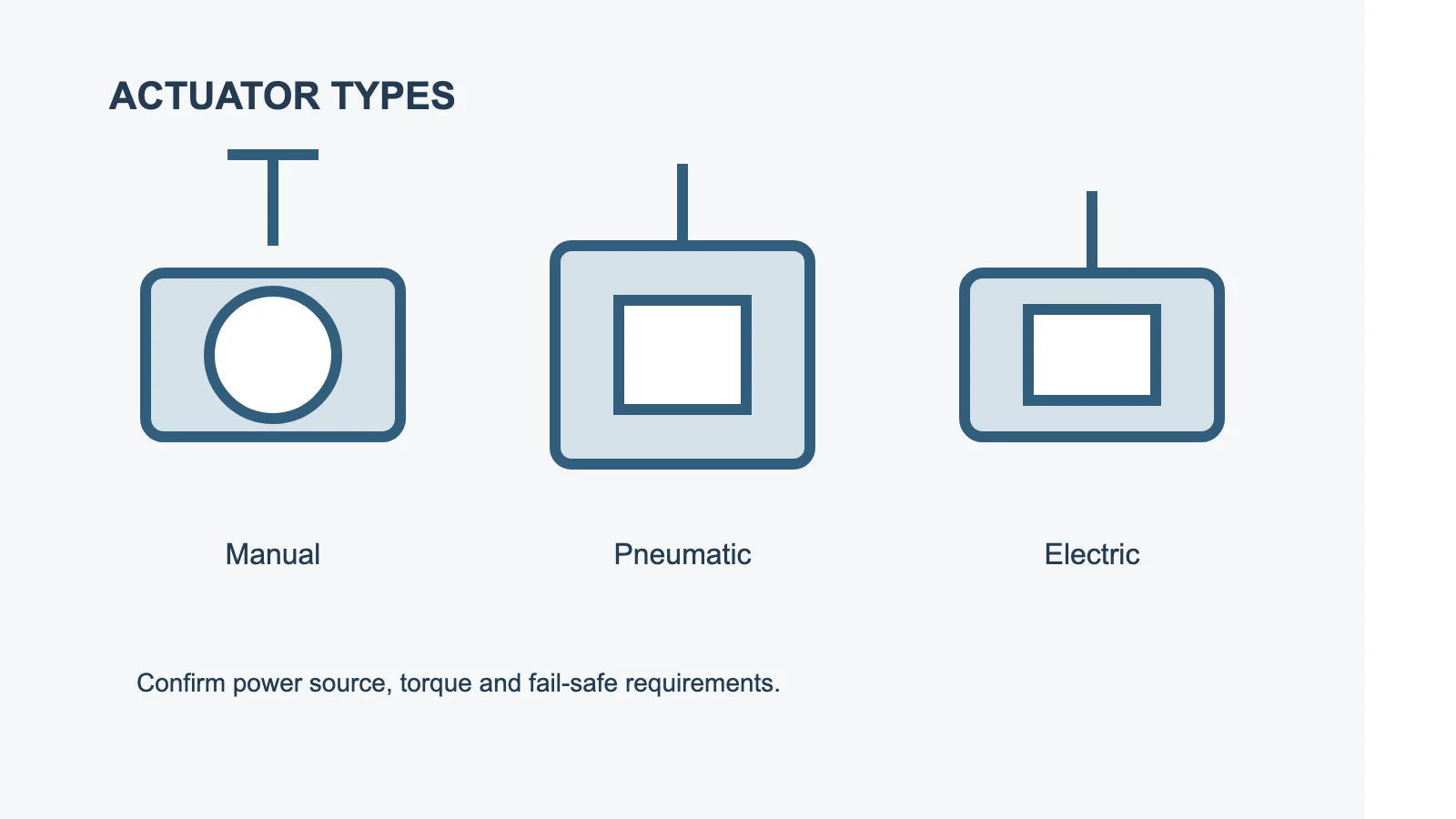
If the valve is automated, check the actuator type and power source:
- Manual
- Pneumatic
- Electric
- Hydraulic
The data sheet should also identify accessories such as solenoid valves, limit switches, positioners, gear operators or fail-safe functions.
7. Review Testing and Documents
Before ordering, confirm the required inspection and documentation:
- Pressure test
- Seat leakage test
- Material certificates
- PMI or hardness testing
- Inspection report
- Coating or painting requirements
- Packing and marking instructions
These requirements should be written into the RFQ so that different suppliers quote against the same technical conditions.
Final Checklist
Before approving a valve quotation, confirm:
- Valve type and service are correct.
- Size and pressure class match the system.
- End connection and drilling pattern are compatible.
- Body, trim and seat materials are suitable.
- Pressure and temperature limits are acceptable.
- Actuator requirements are complete.
- Testing and documentation are clearly defined.
A complete data sheet reduces repeated clarification, prevents specification mismatches and helps the supplier prepare a more accurate quotation.
Related Articles
-
 November 3,2026
How to Read an Industrial Flange Drawing
An industrial flange drawing contains the information needed to identify, manufacture and inspect a flange. Before sending an RFQ or approving a quotation, review the following details. 1. Check the Standard First identify the applicable standard, such as ASME B16.5, ASME B16.47 or EN 1092-1. The st …
-
 October 20,2026
How to Prepare a Technical RFQ for Industrial Flanges
A technical RFQ, or Request for Quotation, should include enough information for the supplier to identify the required flange and check its compatibility with the piping system. An incomplete RFQ may lead to repeated questions, incorrect selection or delays in quotation and production. 1. Specify th …
-
 October 5,2026
Ringlock Scaffolding System Selection Guide: Components, Configuration and Load Requirements
A practical guide to choosing ringlock scaffolding: main components, fixed vs mobile configuration, steel vs aluminum, load requirements and RFQ preparation.